
Welcome guests in their language.
Portuguese, English, Spanish, French, German and Italian help visitors choose with confidence. You review suggested translations before they go live.
PTENESFRDEIT
FOR BEACH KIOSKS & RESTAURANTS IN RIO DE JANEIRO
Guests choose in six languages and order by QR code. Your team receives orders on WhatsApp or in a live queue, with the table or parasol clearly identified.
No app. No customer account.
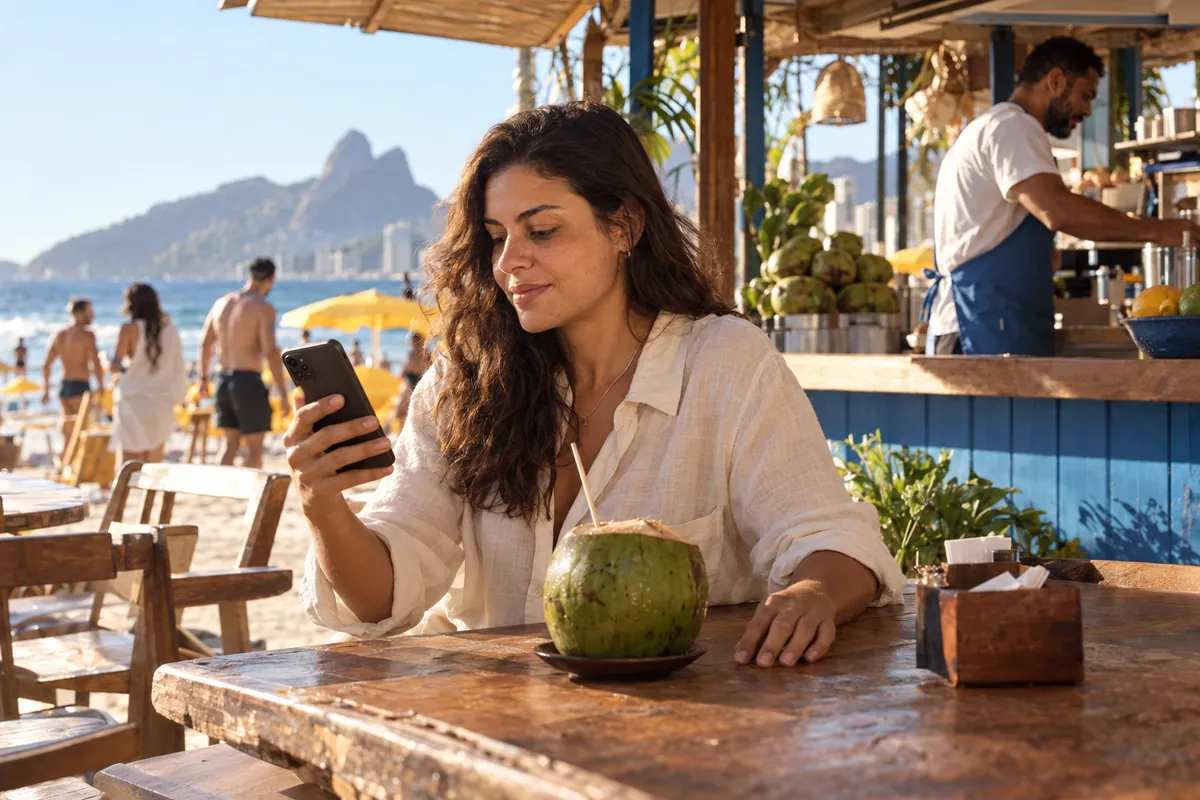
Guests choose. Your team takes care of them.
FEWER BARRIERS. MORE HOSPITALITY.
On a busy beachfront or in your dining room, the details matter. Show your dishes with photos, make ordering easier for visitors and update availability from your phone. Clearer choices for guests. Clearer orders for your team.
Portuguese, English, Spanish, French, German and Italian help visitors choose with confidence. You review suggested translations before they go live.
Identify the table, beach stall, counter or parasol. Photos, options and extras make choices clearer.
Change prices, photos, opening hours and availability from your phone, even during service.
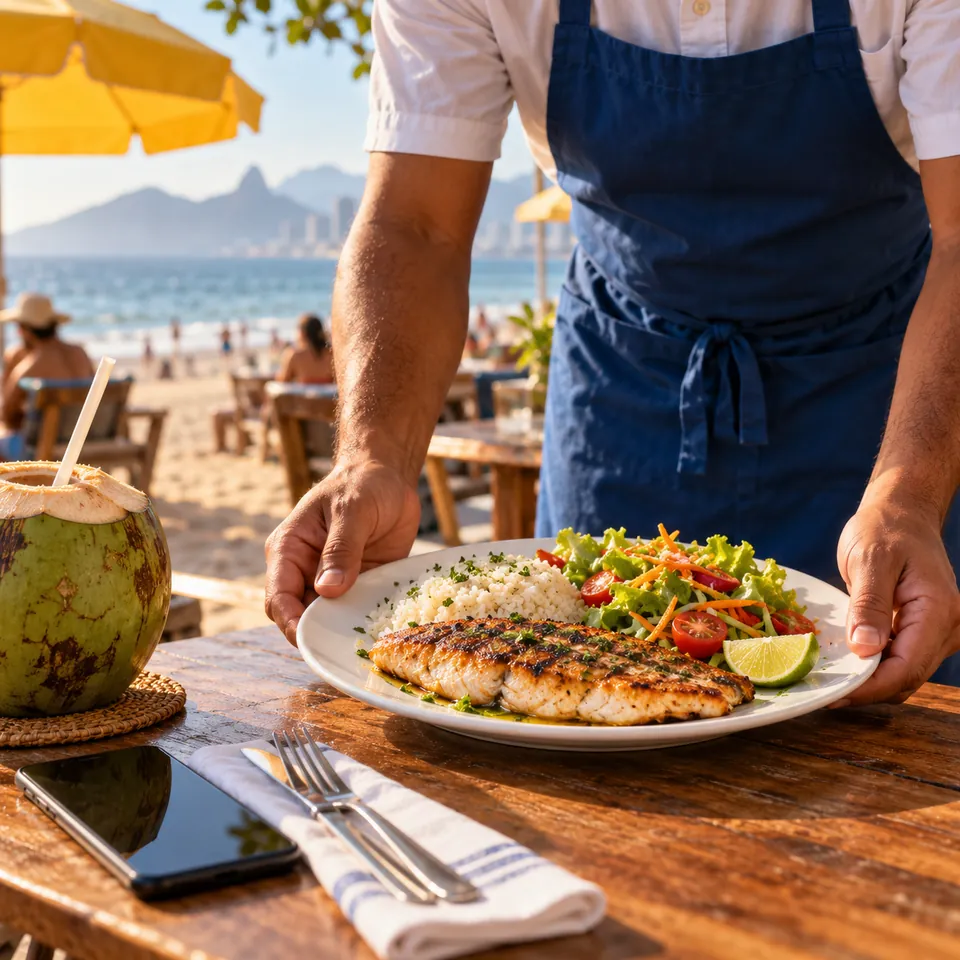
EASY FOR GUESTS. CLEAR FOR YOUR TEAM.
The customer points their camera at the service point’s QR code. The menu opens in their browser.
Photos, search, tags, options and extras help customers find and personalise their order.
A formatted WhatsApp order with Basic, or a live internal order queue with Premium.
TAKE A CLOSER LOOK
From a guest’s first order to the manager’s next decision, in one flow.
Photos, categories and options in an experience designed for phones. Guests choose without downloading anything.
Explore the demo
With Premium, follow the order queue, organise service zones and define your team’s workflow.
Explore the demo
Understand demand across products, times, languages and service points with anonymous operational insights.
Explore the demo
Product screens shown in Portuguese. The customer menu is available in six languages.
YOUR SPACE. YOUR WAY OF SERVING.
Organise beach orders with a QR code for every table, stall or parasol. Optional service zones help your team find the right spot, even on a busy day by the sea.
Update dishes, prices and availability during service. Table-linked orders and a multilingual menu help you welcome Rio de Janeiro’s locals and visitors.
CHOOSE HOW TO RECEIVE ORDERS
The same ease for your guests. Two ways for your team to work.
BASIC
Start with the channel your team already knows.
Pricing on request
PREMIUM
Bring orders and service coordination together.
Pricing on request
Both plans: a QR code per service point and management from your phone. Manual Pix, card on delivery, cash, change and tips. The business verifies payment.
HOSPITALITY THAT RESPECTS PRIVACY
No customer account or persistent consumer profile. Anonymous insights support your decisions, and each business can access only its own operational data.
BEFORE THE FIRST ORDER
No. They open their camera, scan the QR code and browse the menu in their browser. There is no need to create an account.
No. Basic sends formatted orders to WhatsApp. Premium adds a live internal order queue to coordinate service.
Portuguese, English, Spanish, French, German and Italian. Automatic translations are suggestions: your business reviews and saves them before publication.
Pix is manual: the business must check that the payment has arrived. The solution also lets customers indicate card on delivery, cash, change and tips. This version does not confirm Pix payments automatically.
Yes. Each service point can represent a table, counter, beach stall or parasol. Service zones and location are optional.
Request a proposal for Basic or Premium. Share your business name and number of service points to discuss pricing and setup with the RioMenu team.
The menu runs in a browser, and orders use WhatsApp or an online queue. Plan for internet access for your guests and team; do not rely on offline operation.
YOUR NEXT ORDER STARTS HERE
Tables, beach stalls or parasols? Tell us how your team works today and request a demonstration and a proposal for your business.
Prefer to get in touch by email?
[email protected] ↗